How to photograph fireworks on either iPhone or DSLR

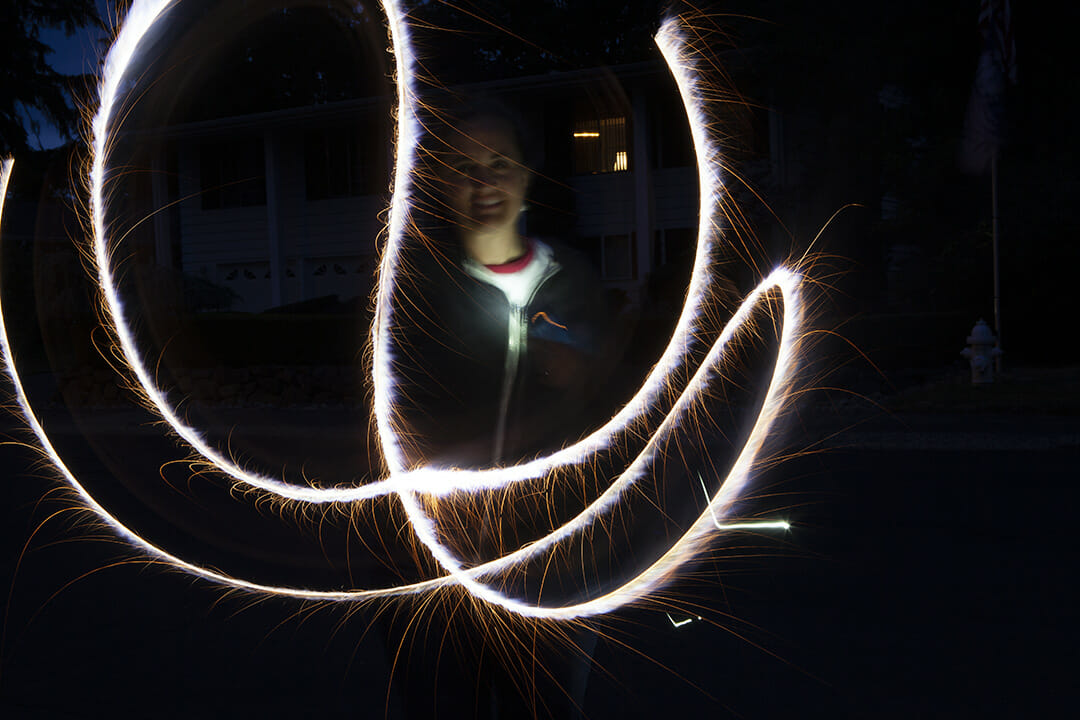
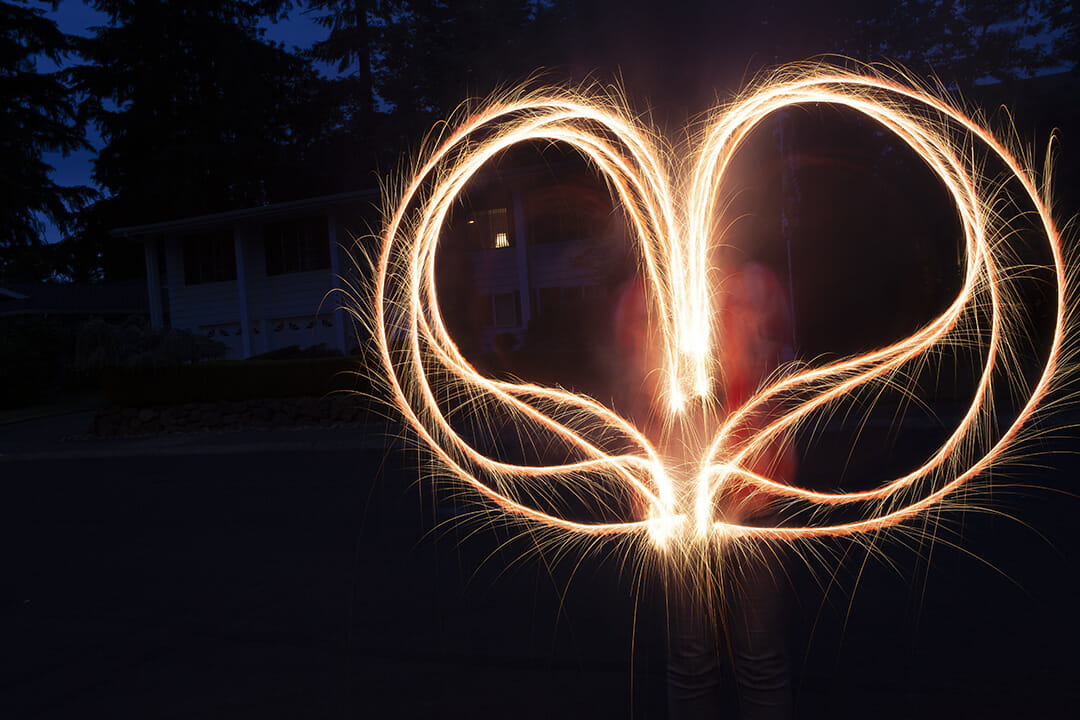
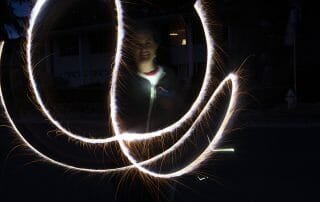
The basics of photographing fireworks is down to knowing how to shoot a long exposure shot . I'm going to walk you through how to do this for either DSLR or iPhone (I'm sure there's an android equivalent, I just don't have access to one!). Set Up and Equipment Tripod - this is an essential tool in setting up your long exposure shot. If you don't have a tripod, you can set up your camera on stable surface like the hood of a car, table or chair. If using a DSLR, I find it helpful to scrunch up a jacket or something a bit soft to nestle your camera into so it doesn't slip around. The same thing goes for iPhones. Make sure the camera is stable and [...]


8 Ideas for Photography Play at Home

I don't know how many times I've heard "these are strange times we are living in". And it is. Currently, as I write this, we are all in quarantine to help stop the spread of the Corona Virus. I keep thinking about people at home with little kids, trying to keep them engaged through all this!  Here's my list of Photography Play at Home to do with your kids or for the kid in each of us. Enjoy! Photography Play at Home   1. Photo Scavenger Hunt I loved seeing what my kids saw through the lens when they were little. The stuff that they took photos of gave me a whole new perspective! Here's a fun way to get them using a camera and capturing what they [...]

How do I get frozen action shots?

Controlling Your Camera’s Shutter Speed   Have you ever seen a cool shot of kids jumping into a pool and whomever was taking the photo captured them before they are fully submerged, water droplets are frozen midair all around them like little diamonds from the splash? So cool, right? And then you try and it’s just a big blur? I feel you! I’ve been so frustrated that I was tempted to just huck my camera in the pool with them! Before you destroy your camera though, if I can figure this out, I know you can too! I’m going to walk you though how to get that frozen action shots! (Shutter Speed 1/1600th of a second) Understanding Shutter Speed The first thing you need to know about is [...]

How to I get blurred action? Long exposure explained

Intentional motion blur or blurred action is an exciting trick to learn in photography! Photos with a long exposure or slow shutter speed can result in some interesting and creative photography. Most often this is done with something that is moving through a stationary scene creating an interesting image like a milky waterfall or a cityscape where the headlights and taillights streak white and red and the buildings twinkling behind. This type of image is achieved by slowing down the shutter and creating intentional “motion blur” meaning that the action happens while the shutter is still open causing the action to blur across the frame. The length of time that the shutter needs to be open to create motion blur depends on how quickly the subject is moving. [...]

How to get that shot! – Giant Bubbles – Photography Tips

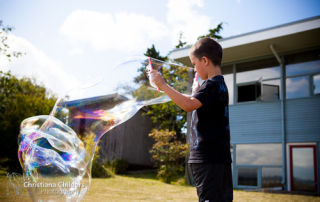
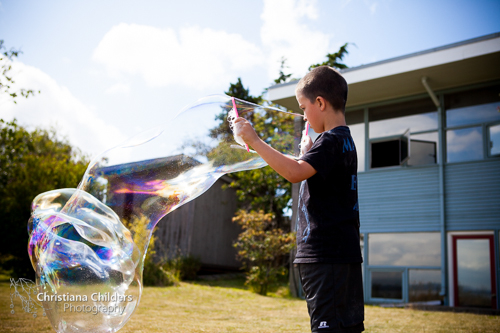
A question often asked in my classes is how to get shots of busy kids. "They're always blurry or turn their heads as soon as I pull out my camera!" Super common! One of my favorite photography tips to combat this is to give the kids something to do or engage with. Then while they play, you can play! Here are some resent shots I took of my cousin's boys while they were making giant bubbles.         In all these shots I'm using fast shutter speeds from 1/6400 to 1/1250.  I was able to achieve these high shutter speeds because I had plenty of light and I picked bigger apertures of f/2.8 to f/3.5.  I did have a low ISO of 200 so if I [...]

The Diopter

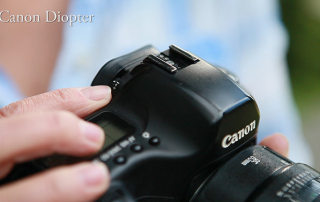
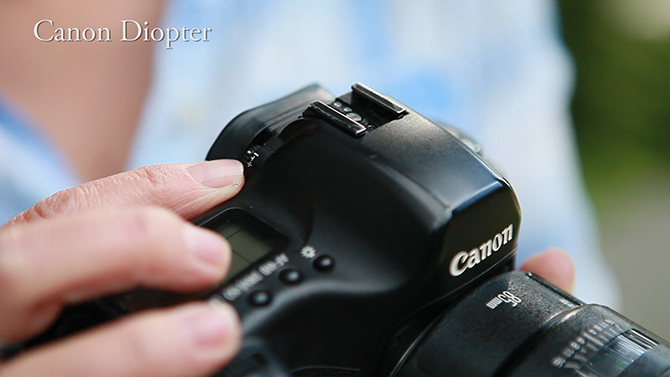
Have you ever been in a situation where you look through your view finder and it is a little cloudy or blurry, but your images are all turning out in focus? Well what could be happening is that your "Diopter" got bumped and caused your view finder to go out of focus. The Diopter is next to the view finder and is used to adjust the view finder to your eyesight. For Canon it is a little dial and for Nikon it is a Slider next to the view finder. Check out Christiana's tip on adjusting the Diopter in the video below.

Go to Top